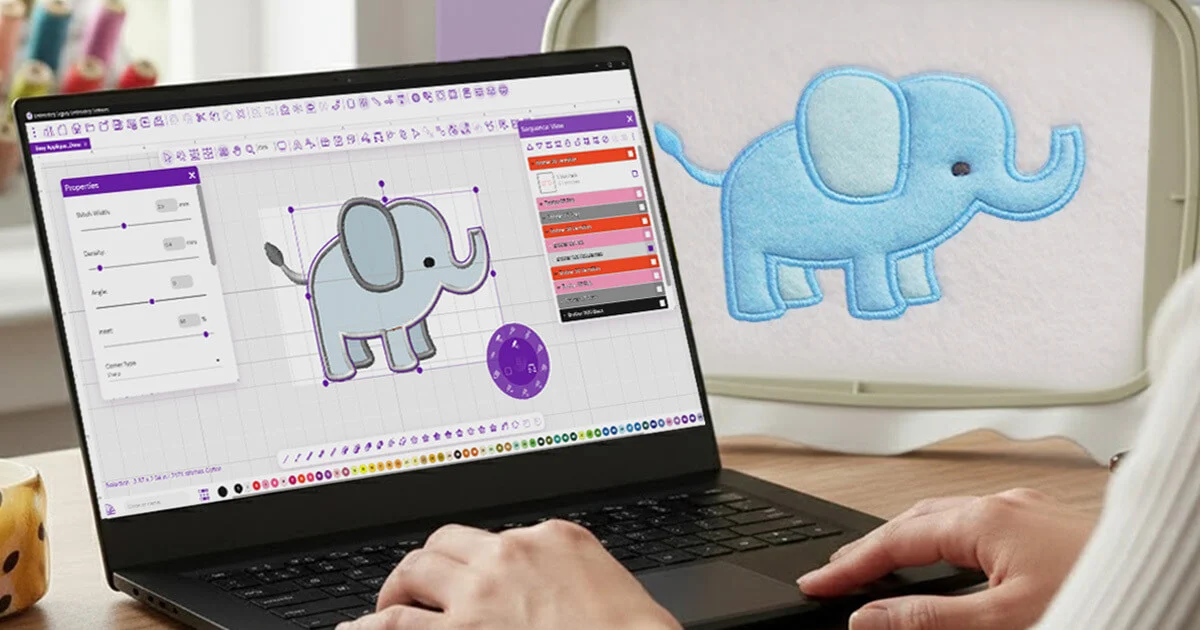
If you’re just getting started and don’t want to spend money before you know whether digitizing is for you, searching for embroidery digitizing software free is a completely reasonable first step. The good news: a few legitimate free options do exist. The less convenient news: free software comes with real trade-offs you should know about before you build your workflow around it. This guide covers the actual free (and near-free) options available, what they’re good for, and where their limits show up.
Does Good Free Embroidery Digitizing Software Actually Exist?
Yes – but with caveats. Most embroidery digitizing software free of charge falls into one of three categories:
- Fully free, open-source tools with no cost but a steeper learning curve
- Free trial versions of paid software, limited by time or features
- Freemium tools with a free tier and paid upgrades for advanced features
None of these fully replace professional paid software for complex, detailed work – but for simple designs, learning the basics, or testing whether digitizing is something you want to invest in, they can be genuinely useful.
Free and Low-Cost Options Worth Knowing About
1. Ink/Stitch (Free, Open-Source)
Ink/Stitch is probably the most commonly recommended example of embroidery digitizing software free for anyone willing to learn it. It’s an extension built on top of Inkscape (also free), giving you manual digitizing tools, lettering, and basic auto-digitize functionality.
- Pros: Completely free, active community, real manual digitizing control
- Cons: Steeper learning curve than paid beginner software; requires learning Inkscape as well
2. SewArt (Low-Cost, Free Trial Available)
SewArt isn’t fully free, but it offers a trial period and is priced low enough that many beginners group it with free options. It focuses mainly on auto-digitizing simple images.
- Pros: Simple interface, affordable if you decide to buy after the trial
- Cons: Auto-digitize results are limited for detailed designs; manual control is minimal
3. Embird (Free Demo Mode)
Embird offers a free demo mode that lets you explore the software’s capabilities, though with restrictions (such as a stitch limit) until you purchase a license.
- Pros: Good way to test a professional-style interface before paying
- Cons: Demo limitations mean you can’t use it for full, finished projects without buying
4. Trial Versions of Hatch, Wilcom, and Embrilliance
Several paid programs offer short free trials. These aren’t permanent free solutions, but they’re useful if you want to test-drive embroidery digitizing software free for a limited window before committing financially.
- Pros: Full (or near-full) feature access during the trial
- Cons: Time-limited; you’ll need to purchase to continue past the trial period
What Free Embroidery Digitizing Software Is Actually Good For
Free tools make the most sense in specific situations:
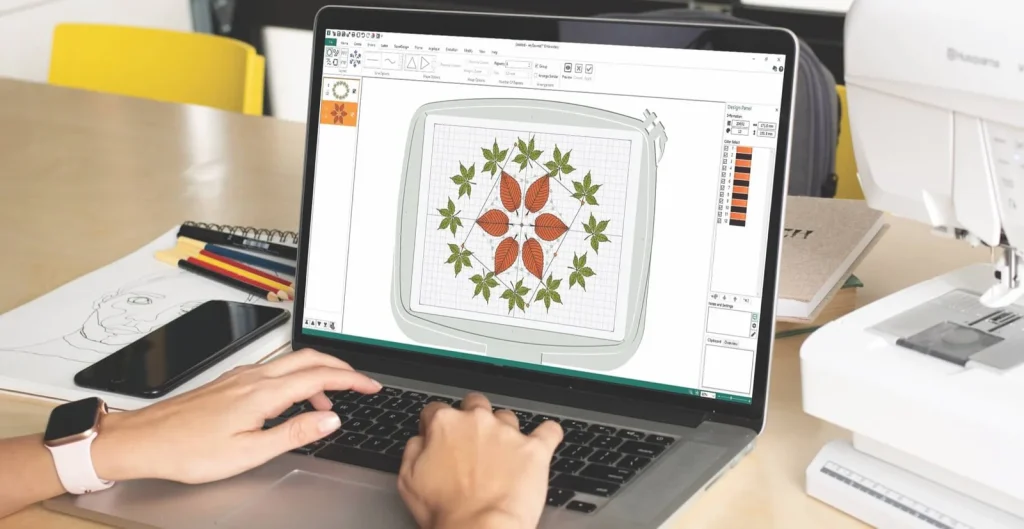
- Learning the fundamentals – understanding stitch types, density, and basic workflow without financial risk
- Occasional, simple designs – basic text, bold shapes, low-detail logos
- Testing before investing – figuring out if you enjoy digitizing before buying paid software
- Hobby projects – personal, low-stakes designs where perfection isn’t the priority
Where Free Software Hits Its Limits
This is the part most searches for embroidery digitizing software free skip over. Free tools generally fall short in a few predictable ways:
- Weaker auto-digitize results. Free auto-digitize features tend to struggle with gradients, fine text, and complex multi-color designs – often producing messy stitch patterns that need significant manual cleanup.
- Limited manual control. Paid professional software usually offers finer control over stitch direction, underlay, and density – details that matter a lot for anything beyond simple shapes.
- Smaller support ecosystems. Paid software often comes with dedicated customer support and structured tutorials; free tools rely more on community forums, which can be hit-or-miss.
- File format restrictions. Some free or trial versions limit which embroidery file formats (DST, PES, EXP, JEF, VP3) you can export to, or watermark/restrict output until you upgrade.
- Time investment. Free, open-source tools like Ink/Stitch can absolutely produce good results – but usually only after a real time investment learning the software, which isn’t “free” in terms of your own hours.
Free vs. Paid: A Quick Comparison
| Free Software | Paid Software | |
| Cost | $0 (or low trial cost) | Ranges from ~$100 to several thousand |
| Learning curve | Often steeper (especially open-source tools) | Usually more guided, beginner-friendly |
| Auto-digitize quality | Basic, limited | More refined, better for complex designs |
| Best for | Simple designs, learning, testing | Regular use, detailed designs, business work |
Should You Start With Free Software or Just Pay for Digitizing?
If you’re genuinely curious about learning digitizing as a skill, starting with free embroidery digitizing software is a reasonable way to explore before spending money. But if you have a specific project – a logo, a gift, an order for someone else – and you need a clean, professional result now, free tools often aren’t the fastest or most reliable route.
In that case, it’s usually more practical to send your design to a digitizing service rather than trying to get a free tool to produce professional-quality results under time pressure.
Frequently Asked Questions
Is there truly 100% free embroidery digitizing software with no limits?
Ink/Stitch is the closest example – it’s fully free and open-source with no feature paywall, though it has a learning curve and fewer built-in guardrails than paid software.
Can free software handle a detailed logo?
It can attempt to, but results are often rougher than paid software, especially for fine text, gradients, or many colors. Free tools tend to work best on simple, bold designs.
Is a free trial the same as free software?
Not exactly – a free trial gives you full features for a limited time, after which you’ll need to pay to continue. True free software (like open-source tools) has no expiration, though it may have fewer features than paid programs.
What file formats can free digitizing software export?
It varies by program. Most support common formats like DST and PES, but some free or demo versions restrict certain formats until you upgrade – always check before relying on a specific format.
Final Thoughts
Embroidery digitizing software free of charge does exist, and it’s a reasonable starting point if you’re learning or only need simple designs occasionally. But free tools come with real trade-offs – a steeper learning curve, weaker auto-digitize results, and less support – that are worth knowing about before you commit your time to them. For simple personal projects, free software can absolutely get the job done. For anything detailed, time-sensitive, or meant to look professional, it’s often faster and more reliable to let someone else handle the digitizing.
If you’d rather skip the software altogether, you can send your design over for digitizing and get a clean, stitch-ready file without installing anything.