
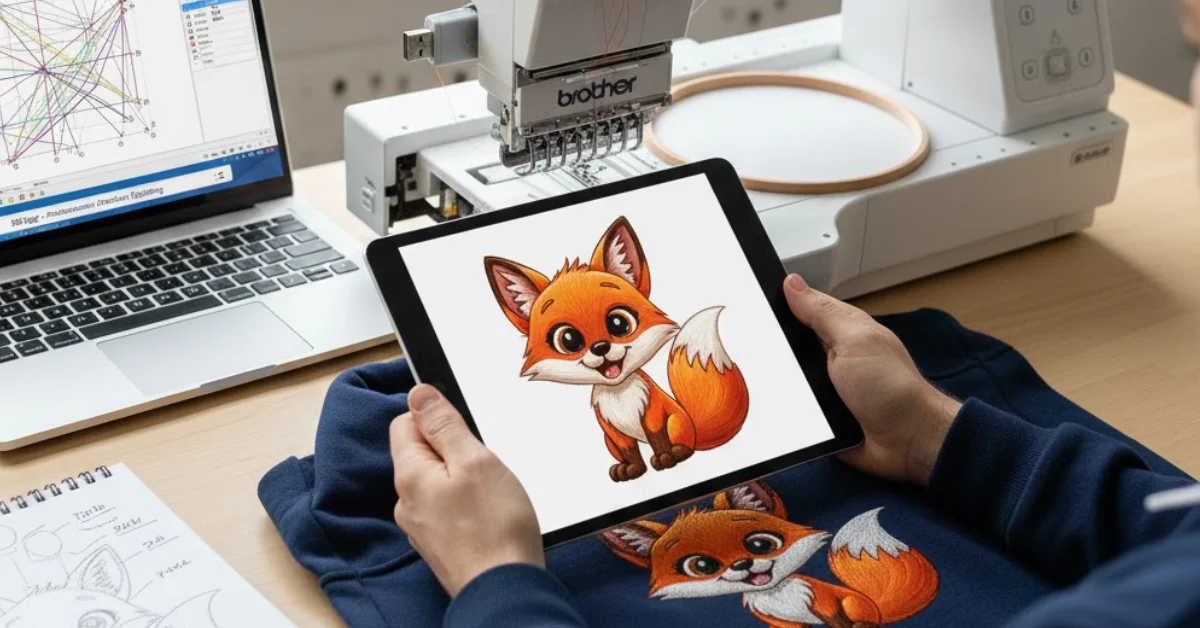
If you own a Brother or Babylock embroidery machine, you’ve almost certainly run into the .pes extension. But what is a PES file, exactly, and why does your machine specifically need it? This guide covers what a PES file contains, how it differs from other embroidery formats, and how to open or convert one if you need to.
What Is a PES File?
A PES file is an embroidery stitch format developed by Brother. It’s the native file type for Brother and Babylock embroidery machines, two brands that share the same parent company and file compatibility.
Like other embroidery formats, a PES file isn’t an image. It’s a set of machine-readable instructions: where the needle moves, what stitch type to use, when to change thread color, and when to trim or stop. So when someone asks what is a PES file in plain terms, the short answer is this: it’s the language your Brother or Babylock machine reads to stitch out a design.
What Makes PES Different From Other Embroidery Formats?
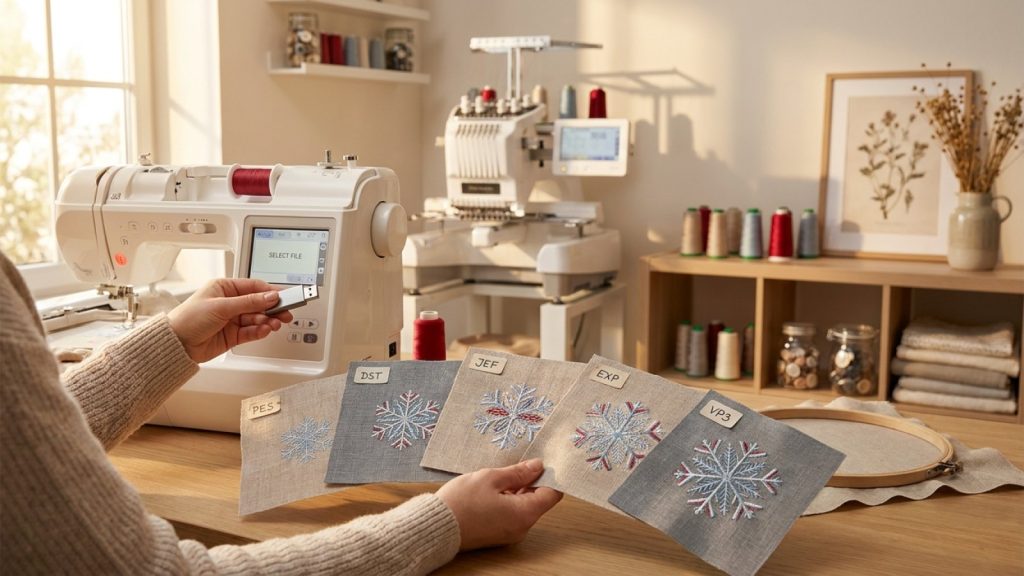
A few things set PES apart from formats like DST or EXP:
- It stores thread color information. Unlike DST, a PES file typically includes color data, so your machine’s screen can show you which thread colors to load, in what order.
- It’s brand-specific by design. PES was built for Brother and Babylock machines, while something like DST was designed with broader cross-brand compatibility in mind.
- It supports more detailed stitch data. PES can carry additional information that some older or simpler formats don’t, which is part of why Brother machines display more detail on-screen than some other systems.
Which Machines Use PES Files?
PES is the format used by:
- Brother home and commercial embroidery machines
- Babylock embroidery machines, since Babylock and Brother share underlying technology
If your machine falls into either category, PES is very likely the format you need. Checking your manual or your machine’s settings menu will confirm this for certain.
What’s Inside a PES File?
A PES file typically includes:
- Stitch coordinates and paths: the exact route the needle follows
- Stitch type data: satin, fill, running stitch, and so on
- Thread color sequence: which color goes where, and in what order
- Trim and jump commands: instructions for when the machine cuts thread or moves without stitching
Because PES carries color information directly, it tends to feel more “complete” on-screen than formats like DST, where color sequencing is often handled separately through a worksheet or chart.
How to Open a PES File
There are two situations where you’d typically open a PES file.
Loading It Onto Your Machine
This is the format’s main purpose. You’ll usually transfer the file via USB drive, direct cable, or Wi-Fi, depending on your specific Brother or Babylock model. Once loaded, your machine reads the stitch and color data directly, no extra conversion needed.
Viewing a PES File on Your Computer
Sometimes you’ll want to preview a design before stitching it, to check stitch count, size, or color layout. A regular photo viewer won’t open PES as an image, so you’ll need one of these instead:
- Free embroidery file viewers: several tools exist specifically for previewing stitch files
- Embroidery software: programs like Hatch, Embrilliance, or Brother’s own PE-Design can open and edit PES files
- Brother’s official software: since Brother created the format, their own tools tend to offer the most reliable PES support
Can You Edit a PES File?
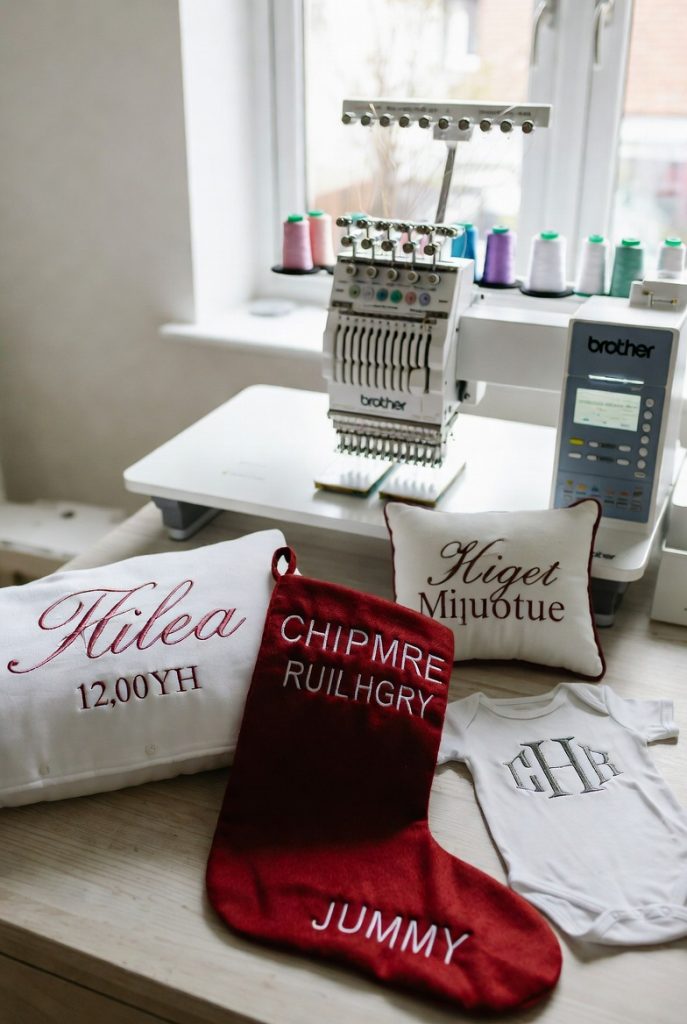
To an extent, yes. Basic adjustments like resizing within a reasonable range, or minor color swaps, are often possible using embroidery software. More significant changes, altering stitch type, density, or shape, usually call for returning to the original digitized file rather than heavily editing the finished PES output. Heavily modifying a finished stitch file tends to produce messier results than starting from the source design.
Converting a PES File to Another Format
If you need to use the same design on a machine that doesn’t read PES, conversion is possible through most embroidery software. A few things to keep in mind:
- Converting PES to DST often means losing the embedded color sequence, since DST doesn’t store it the same way
- Quality can shift slightly during conversion, especially for very detailed designs
- When possible, it’s more reliable to have a design digitized directly in your target format, rather than converting after the fact
Common Misunderstandings About PES Files
A few points trip people up when they first encounter PES:
- It’s not interchangeable with every machine. Even though PES is common, plenty of brands (Janome, Husqvarna Viking, Tajima-based systems) use their own native formats instead.
- It’s more than just a stitch file. Because it stores color data, a PES file behaves a bit differently than color-agnostic formats like DST – this can matter when converting between formats.
- Resizing has limits. Large size changes can distort density, so significant resizing is often better handled through re-digitizing than simple scaling.
Frequently Asked Questions
Is a PES file the same thing as an embroidery design?
Not quite. A PES file is the finished output after a design has been digitized, the original logo or artwork only becomes a PES file once it’s gone through that process.
Can non-Brother machines read PES files?
Some can, depending on the brand and model, but it isn’t guaranteed. Checking your specific machine’s supported formats is the safest way to know.
Why does my PES file look different from the original logo?
This usually comes down to how the design was digitized, not the file format itself. Fine details, gradients, or small text can simplify during digitizing, which can shift the look slightly from the original artwork.
Do I need Brother software to open a PES file?
Not necessarily. Several third-party embroidery programs support PES, though Brother’s own software is built specifically around the format and tends to offer the most reliable results.
Final Thoughts
So, what is a PES file? It’s the native embroidery format for Brother and Babylock machines, carrying both stitch instructions and thread color data in one file. Unlike a photo, it’s not something you simply double-click to view, it’s built to be read by your machine, or previewed through embroidery-specific software.
If you need a design digitized into PES — or any other format your machine requires, you can send your artwork over for digitizing and get a ready-to-stitch file back.