
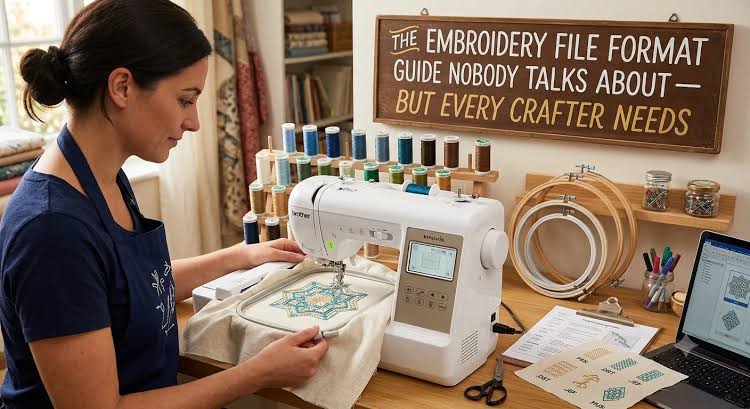
If you’ve just bought a Brother embroidery machine , or you’re downloading a design and want to make sure it’ll actually load , you’ve probably wondered which embroidery format for Brother machine is the right one. The short answer is PES, but there’s more to know depending on your specific model and whether you’re working with designs from other sources. This guide covers exactly which format your Brother machine needs, how to confirm it, and what to do if a file you have doesn’t match.
The Short Answer: PES Is Brother’s Native Format
When people ask which embroidery format for Brother machine to use, PES is almost always the answer. PES was developed by Brother specifically for their embroidery machines, and it’s also used by Babylock machines, since the two brands share the same underlying technology.
PES isn’t just a stitch file, it typically stores thread color information too, which is why Brother machines can display exactly which thread colors to load, in order, right on the screen.
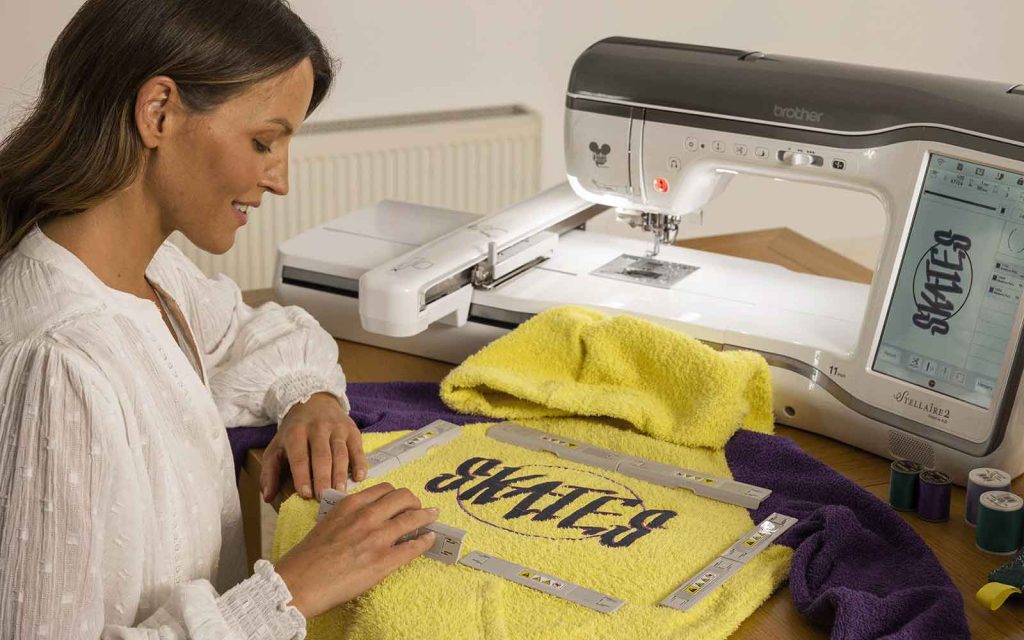
Do All Brother Machines Use PES?
For the most part, yes , but it’s worth confirming for your specific model, since Brother has released many machines over the years with slightly different capabilities.
- Most home and hobbyist Brother machines (the SE, PE, and Innov-ís series, among others) use PES as their primary format
- Some newer or higher-end Brother machines may support additional formats alongside PES, giving you more flexibility if you’re working with files from other sources
- Older Brother models may have more limited format support, so checking your specific manual matters more if your machine isn’t a recent model
If you’re ever unsure which embroidery format for Brother machine your exact model needs, your owner’s manual or Brother’s official support site will list supported formats directly.
How to Confirm Your Machine’s Format
A few reliable ways to check:
- Check the manual. The supported file format is almost always listed in the specifications section.
- Look at the machine’s on-screen menu. When you try to load a file, your Brother machine will typically only recognize files in its supported format(s).
- Check Brother’s official website. Searching your specific model number on Brother’s support pages will confirm exactly which formats it reads.
- Ask your digitizer. If you’re having a design custom digitized, just mention that you’re using a Brother machine, and the file will be delivered in PES by default.
What If You Have a Design in a Different Format?
This comes up often , maybe you bought a design online, received a file from a friend, or had something digitized before switching to a Brother machine. If your file isn’t in PES, you have two main options:
Option 1: Convert the File
Embroidery software like Hatch, Embrilliance, or Wilcom can convert many common formats (DST, EXP, JEF, VP3) into PES. One thing to watch for: formats like DST don’t store thread color data the way PES does, so after converting, you may need to manually re-add color information so your machine displays the right thread sequence.
Option 2: Request PES From the Start
If you’re ordering a new design, whether from a marketplace or a custom digitizing service , simply specifying that you need PES (and mentioning it’s for a Brother machine) means you’ll get a file that’s ready to use without any conversion step at all.
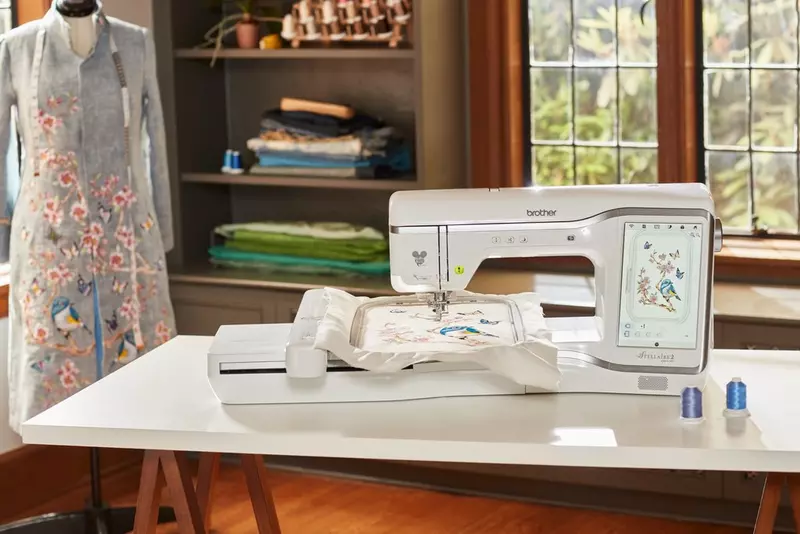
PES vs. Other Formats: Quick Comparison
| Format | Used By | Works on Brother? |
| PES | Brother, Babylock | Yes , native format |
| DST | Tajima, most commercial machines | Sometimes, depending on model; conversion often needed |
| EXP | Melco, select Bernina | Not native; requires conversion |
| JEF | Janome | Not native; requires conversion |
| VP3 | Husqvarna Viking, Pfaff | Not native; requires conversion |
Why It Matters to Get This Right From the Start
Loading the wrong format isn’t just inconvenient, on many machines, it simply won’t work at all, and you’ll either get an error message or the file won’t appear as an option to select. Knowing which embroidery format for Brother machine you need before you download or order a design saves you from:
- Wasted time troubleshooting a file that won’t load
- Having to track down the original source to request a different format
- Dealing with a rushed conversion right before a deadline
What About Babylock Machines?
Since Babylock and Brother share the same core technology, the answer is the same: PES is the format you’ll need. If you’re ever unsure whether a specific Babylock model behaves differently, the same approach applies, check the manual or the on-screen menu to confirm.
Frequently Asked Questions
Can a Brother machine read DST files directly?
It depends on the model. Some newer Brother machines support multiple formats, but PES remains the primary, most reliable format across the brand’s lineup. Check your specific model to confirm.
Why does my downloaded design show the wrong thread colors on my Brother machine?
This usually happens when a design is converted from a format like DST that doesn’t store color data. The fix is to manually enter the correct color sequence, or request the color chart that often comes with converted files.
Is PES only used by Brother?
No, Babylock also uses PES, since the two brands share underlying technology. Other brands generally use their own native formats instead.
Do I need special software to open a PES file on my computer?
Yes, since it’s not a standard image file. Brother’s own software, along with programs like Hatch or Embrilliance, can open and preview PES files before you load them onto your machine.
Final Thoughts
If you’re trying to figure out which embroidery format for Brother machine to use, the answer is almost always PES, Brother’s native format, also shared with Babylock machines. Confirming your exact model’s supported formats takes just a few minutes through your manual or Brother’s website, and it’s well worth doing before you download or order a design, so you’re not stuck converting files at the last minute.
If you need a design digitized specifically for your Brother machine, you can send your artwork over for digitizing and get it delivered in PES, ready to load and stitch. You can also browse ready-made, pre-digitized PES designs on our Etsy shop.